Freelance Photographer in Dubai, UAE - Experienced, Sophisticated, Affordable & Reliable
  • Home
  • Photography
    • Real Estate Photography
    • Landscape Photography
      • Travel Photography
      • Street Photography
    • Portrait Photography
      • Business Portrait Photography
      • Fashion Photography
    • Food Photography
    • Product Photography
    • Event Photography
      • Concert Photography
    • Sport Photography
    • Still Photography
  • Videography
    • 360 Interactive Virtual Tour
  • Latest Projects
  • News & Tips
  • Contact
Home
Photography
    Real Estate Photography
    Landscape Photography
    Travel Photography
    Street Photography
    Portrait Photography
    Business Portrait Photography
    Fashion Photography
    Food Photography
    Product Photography
    Event Photography
    Concert Photography
    Sport Photography
    Still Photography
Videography
    360 Interactive Virtual Tour
Latest Projects
News & Tips
Contact
Freelance Photographer in Dubai, UAE - Experienced, Sophisticated, Affordable & Reliable
  • Home
  • Photography
    • Real Estate Photography
    • Landscape Photography
      • Travel Photography
      • Street Photography
    • Portrait Photography
      • Business Portrait Photography
      • Fashion Photography
    • Food Photography
    • Product Photography
    • Event Photography
      • Concert Photography
    • Sport Photography
    • Still Photography
  • Videography
    • 360 Interactive Virtual Tour
  • Latest Projects
  • News & Tips
  • Contact
News and Tips

10 Best Bathroom Design Apps and Software (Free + Paid)

November 26, 2022 by Louie Alma Photography No Comments

10 Best Bathroom Design Apps and Software (Free + Paid)

There are many different free and paid bathroom design tools out there. Even if you’re into interior design or are a professional designer yourself, picking the right bathroom design software or app is hard.

To help you make your decision, we’ll look at the ten best bathroom design tools on the market.

How To Choose The Best Bathroom Design Tool

If you’re planning to design your dream bathroom, you’ll need the app or software that best suits your needs. However, with so many different options, it can be hard to decide. A good starting point is to consider these factors:

Features

Consider what type of design features you would find the most useful. For instance, some bathroom design tools can only produce 2D bathroom designs, but others use 3D.

Some bathroom design tools give you access to catalogues of customisable items to incorporate into your bathroom layout, while others are far more “DIY.”

Decide which features are important to you, and use these to evaluate the bathroom design tools you’re looking at.

Design project scope

Consider the scope of your project. Do you need the software to design one new bathroom, or do you have many other ideas? If you’re only planning to use it once, then it might be best to choose a free bathroom design tool that’s easy to use.

If interior design is your profession, then you’ll probably want to invest in a paid subscription so that you have access to all of the tools you need.

If you’re working with contractors or builders, you may need to include details in your bathroom plans. Some free versions don’t allow you to include details like material types, measurements, and brand names in your floor plan.

Multiple users

If you’re using the bathroom design software to create your own bathroom, you’ll probably be the only user. However, if you’re creating bathroom designs with colleagues, you’ll need a program that allows multiple users. You may also want to be able to manage the roles and permissions that users have.

Not all bathroom design tools allow multiple-user access. If this feature is important to you, make sure to check before buying or installing the app or software.

Program speed

Many bathroom design tools use up a lot of space on your computer, making both your computer and the program slow. Cloud-based platforms are usually faster as they’re not stored on your computer.

If program speed is an important factor, a cloud-based tool is your best bet.

User-friendliness

Professional designers usually prefer CAD bathroom design software, but this is hard to use. If you’re a beginner, rather choose a program that’s simpler and easier to use.

Price

If you’re a hobbyist who doesn’t plan to use the software often, consider using a free program. Although it will have limited capabilities, a free program is usually enough for simple bathroom ideas.

If you’re a professional, it’ll be worth paying for a subscription to gain access to all the features you’ll need.

Top 10 Bathroom Design Apps & Software

Planner 5D

Planner 5D is the best bathroom design software currently available. You can use it in any browser, and can also be downloaded as a native app for Android, Windows, macOS, and iOS. This means it can be used anywhere but can utilise the full power of your device.

When designing bathrooms, you can use one of Planner 5D’s many templates or start from scratch. Adding walls and other features is simple, and the interface is very intuitive.

When you want to install doors or windows, you select the type you want and drag them into place. They will then fit themselves into the wall.

The most innovative feature of Planner 5D is the ‘Capture Your Room’ option. This allows you to create virtual representations of your bathroom by scanning it with the camera on your phone. You can then edit and customise this in the app.

You can build your designs in both 2D and 3D, making this software versatile. The only slight issue is that you can’t add furniture when in 3D view, but this isn’t much of a problem.

Planner 5D has a free trial version and also two paid versions. The Personal subscription costs £5 a month, billed annually at £59.99, while a commercial subscription costs £10 a month and is billed annually at £119.99.

best bathroom design tool - 5d planner

Foyr Neo

One of the standout features of Foyr Neo is its full, end-to-end design workflow. This makes it quick and easy to create bathroom design ideas and then showcase them.

The program gives you access to lots of room layouts, colour palettes, and floor plans. Foyr Neo can also render your designs in both 2D and 3D. Foyr Neo works on all browsers, which makes it straightforward to share your designs with others.

You can send links to your bathroom floor plans via email or text, including decor, colour schemes, furniture and bathroom fixtures, making the program a good choice for collaborative projects.

As it’s easy to use, it’s ideal for both professional designers and beginners. There are many alternative design features for you to choose from, which help you to come up with unique bathroom designs.

The cloud-based software is good for saving space, but it does mean it lacks the power of a native app.

Foyr Neo is available as a 14-day free demo version so that you can see if it’s right for you. There are also three paid versions to choose from: Basic, Standard, and Premium.

The Basic version costs £39 a month, the Standard version costs £49 a month, and the Premium version costs £89 a month.

foyr neo bathroom planning software

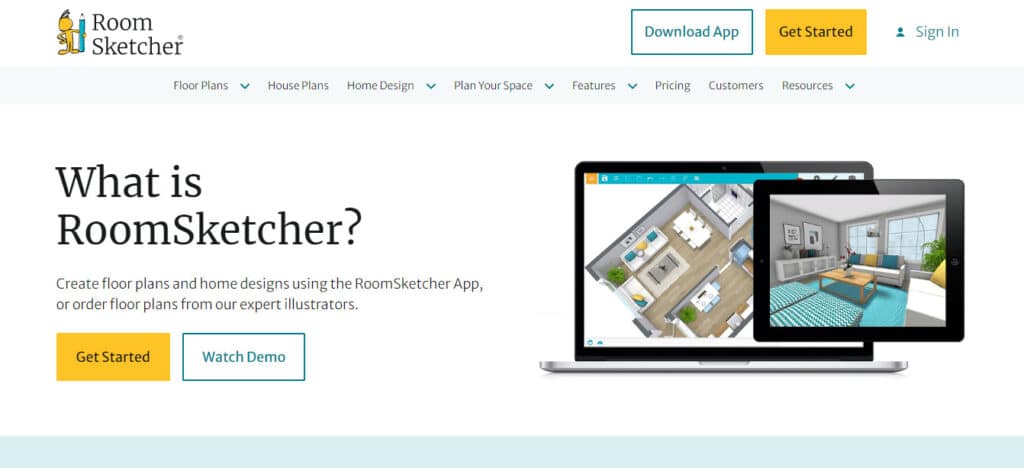
RoomSketcher

RoomSketcher is another free program that works on any browser. It has many advanced features and plenty of tools for a free program, making it stand out from many other free options.

This bathroom design software allows you to create your designs in 2D. You can apply textures and finishes, add colour, and then view it in photorealistic 3D. However, many designers prefer to design a floor plan in 3D, and RoomSketcher doesn’t have this capability.

It may be a good all-rounder, but professionals will probably want to look elsewhere.

You can use RoomSketcher for free on your tablet, Mac, or PC.
Tile 3D Bathroom Designs

Tile 3D Bathroom Designs is a useful software for creating bathroom design ideas and tile pattern layouts. It allows you to view your designs from realistic perspectives and to produce functioning drawings.

It also has a handy feature called ’tile cover calculation. You can use this to quickly calculate how many tiles you’ll need for your bathroom design. This is a helpful tool that saves you a lot of planning time.

There is a free trial version available, and many paid tiers. For pricing information, visit the company’s website for its complete pricing plan.

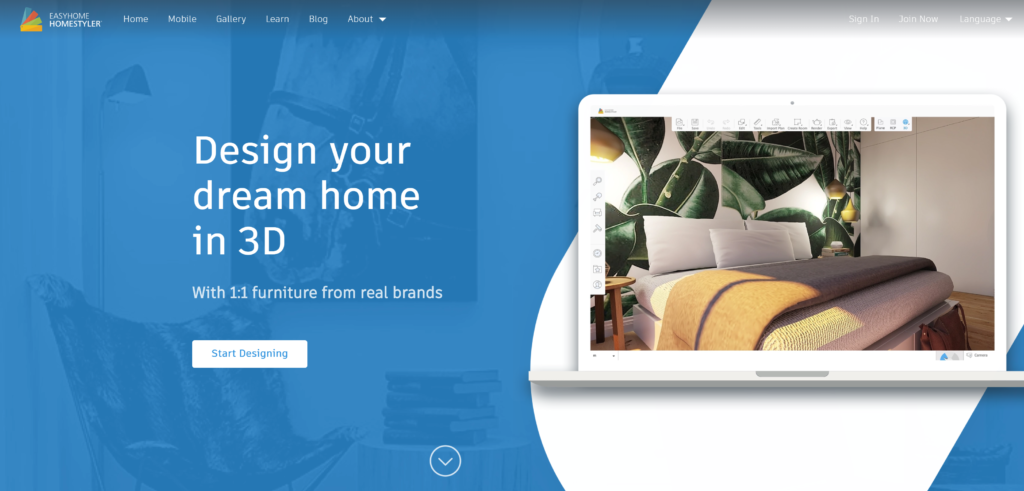
Homestyler

Homestyler is a great interior design and bathroom design software. The main downside is that it only works on iPads and iPhones, but it’s ideal for remodelling projects, and you can take snapshots of your bathroom and then edit your designs.

It gives you access to many items and accessories, such as bathroom storage units which you can use in your layouts.

The best feature of Homestyler is that you can take ideas from Pinterest, Instagram, and Houzz and then duplicate them. You can then scale the items in these concepts and see if they fit into your layouts.

The basic version of Homestyler is free, but it also has affordable paid options. The Pro version is £4.50 a month, the Master version is £8.99 a month, and the Team License version has custom prices.
Easy Planner 3D

Easy Planner 3D is free but still gives you access to great features to design your ideal bathroom. Your designs are created in 2D, and you can choose from one of their many templates.

Once you’ve built your design, you can then convert it into 3D to view it. Easy Planner 3D’s extensive content library includes nice finishes, countertops, tiles, and bathroom fixtures.

If you want to save your designs, you must register for a user account. Considering the program is completely free, it’s worth doing so.

Space Designer 3D

Space Designer 3D is a cloud-based software that doesn’t need to be downloaded. It’s user-friendly and allows you to produce 2D and 3D bathroom designs.

Its impressive material library has more than 1,500 furniture options to choose from. To add items to your bathroom design, drag and drop them into place.

There’s a free trial option, and three paid versions. The Casual subscription costs £8.99 a month, the Regular subscription costs £52.99 a month, and the Team subscription is £210 a month.

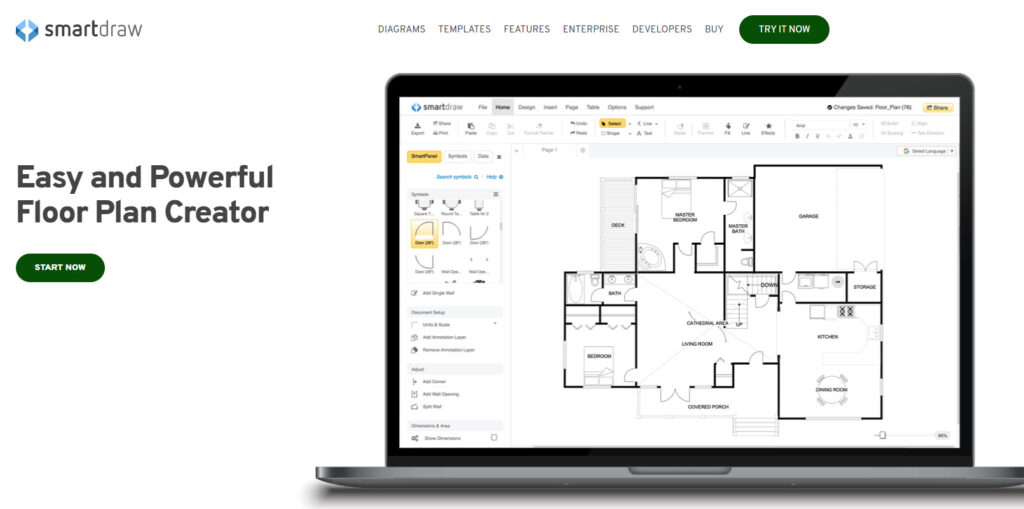
SmartDraw

SmartDraw is a versatile program that allows you to create many unique layouts and plans. It comes with hundreds of templates to choose from and even includes tutorials.

You can customise the templates online or make your own designs from scratch. The program can also be easily linked to other programs like Powerpoint, Excel, Word, and Dropbox. This allows you to share your designs with clients and colleagues.

An Individual subscription costs £8.99 a month which is billed yearly. The Team version costs £5 a month per user, billed yearly. A Site subscription gives your entire organisation access to SmartDraw and costs £2,995 a year.
Room To Do

Room To Do is a relatively basic cloud-based program. It allows you to produce 2D and 3D drawings and then use its ‘walk view’ feature to view them virtually.

Its drawing tools are easy to use even when creating complicated drawings. It also gives you access to various material finishes such as wood, ceramic tiles, stone, carpets, and wallpaper.

A one-month subscription costs £8.99, a six-month subscription costs £17.99, and a 12-month subscription costs £27 a month.

FAQs

Is there a name for someone who designs bathrooms?

There is no specific name for a person who designs bathrooms. Interior designers are trained to design any room in your house, including bathrooms. By using bathroom design software, you can design your own bathroom!

Can I import pictures into Planner 5D?

Yes, it’s very easy to import pictures into Planner 5D. To do so, click on the ‘object’ option, then click ‘painting brush’, and then click the ‘upload’ button. You can now choose which picture you want to upload.

Do I need an account to save designs in Planner 5D?

If you’re using the free version of Planner 5D, you can only save your work if you sign up for an account. Once you have an account, your designs will be saved automatically.
Share:
Reading time: 8 min
News and Tips

How Do I Find the Shutter Count On My Camera? (Any Brand)

November 26, 2022 by Louie Alma Photography No Comments

How Do I Find the Shutter Count On My Camera? (Any Brand)

The shutter count of the camera gives the number of actuations of the shutter in the camera. It is one of the parameters that indicate the lifespan of the camera. Different cameras require different techniques to find this shutter count value.

In this article, I will show you how to find the shutter count for Canon, Nikon, Sony, Pentax, Panasonic, and Olympus cameras. So, let us get started.

Some websites will tell your camera shutter count based on the image taken from your camera. These websites make use of the EXIF information in the picture to retrieve the shutter count value. However, some cameras require specialized software programs to get the shutter count.

Why is shutter count important?

Cameras come with an estimated shutter count range that the camera is likely to achieve in its lifetime. This shutter count value will be different for different camera models. For example, high-end cameras will come with a higher shutter count value.

The shutter count of a camera indicates how many photos you can capture with the camera without having any issues with the camera shutter.

When you buy a used camera, you need to ask the seller for the shutter count value. This value is one of the parameters that decide the cost of a used camera. If the person has used the camera a lot, then the camera will have a high shutter count value. Once the shutter actuation crosses the safe limit mentioned by the camera manufacturer, the shutter system of the camera can fail at any time. Therefore, if you buy such a camera, you will likley end up replacing the shutter soon.

Does shutter count matter on mirrorless cameras?

Many people believe that the mirrorless camera only comes with an electronic shutter. But, it is not true. The mirrorless camera also comes with a mechanical shutter, just like DSLR cameras.

There are many advantages of using electronic shutters when compared to mechanical ones. It includes silent shooting, increased frame rate, etc. But there are some disadvantages also. For example, there can be banding in your images when you use speedlights or strobes with the electronic shutter. So the camera manufacturers have included the mechanical shutter also in the mirrorless camera to prevent these issues.

So, there will be a shutter count for the mirrorless camera also. This shutter count value corresponds to the actuations made by the mechanical shutter of the mirrorless cameras. This mechanical shutter is also designed to work for a certain number of shutter actuations. Once you cross this value, there is no guarantee that the mechanical shutter will work. It can fail at any time. So, the shutter count does matter for a mirrorless camera.

How to Check the Shutter Count of a Canon Camera?

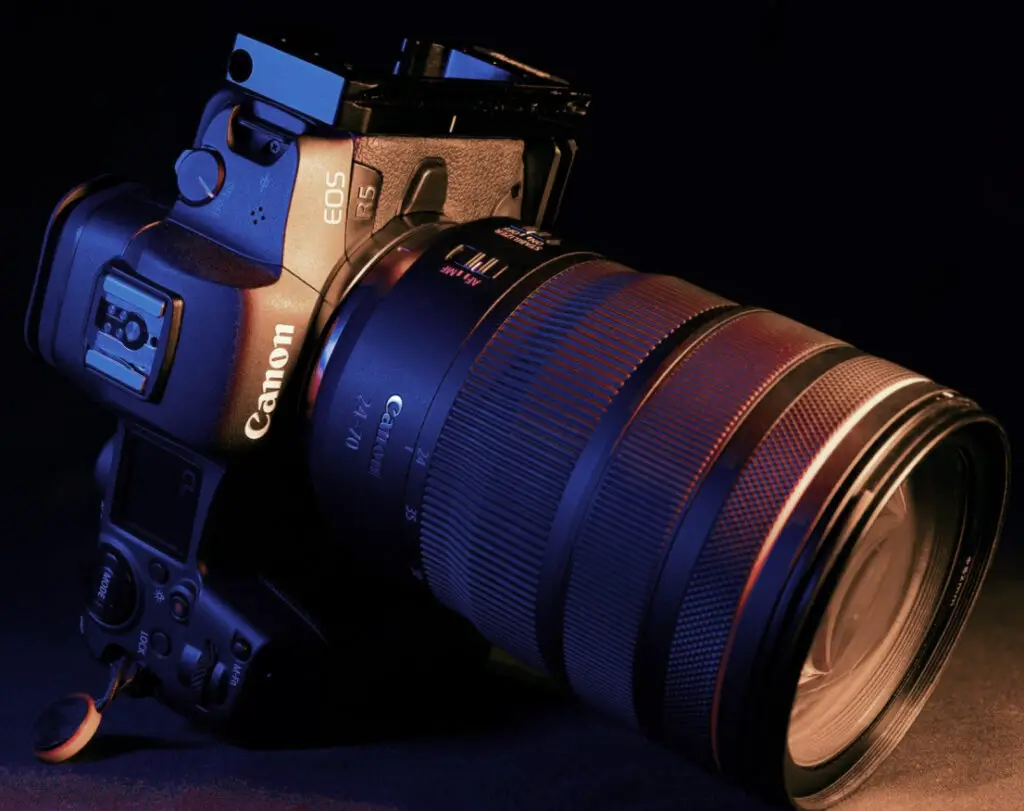
A Canon camera

We will look at the different options to check the shutter count of a Canon camera.

Website to Check Shutter Count for Canon

You can use the camerashuttercount.com website to find the shutter count of your Canon camera. You need to capture a new image using your Canon camera. Upload this image to this website. Make sure that you are not doing any edits on this image. The website will display the shutter count value. This website only supports some Canon cameras. So, if this website does not support your camera model, you need another method to find the shutter count.

If you dont want to upload the image from your Canon camera to a website to know the shutter count, you also have the option to install software programs on your Mac and PC to see the shutter count.

Shuttercheck app for Mac for Canon

If you are a Mac user, you can use the Shuttercheck app to know the shutter count value. You can download this app from the shuttercheck.app website. This app is compatible with Mac OS Sierra 10.12 and above.

Another app you can consider using for the Mac is the ShutterCount app from the DIRE studio. It is not a free app. It will cost you $6.99. First, you need to connect the Canon camera via USB or WiFi to your Mac. After that, you can open this app to know the shutter count value. One main advantage of using this software program is that it works with the latest Mirrorless cameras like Canon EOS R3 and R5.

EOSMSG application for Windows for Canon

Another software program that you can use on your Windows computer to find the shutter count value for the Canon camera is the EOSMSG software. It is a free software. You can download it from their website. This software supports most Canon Mirrorless and DSLR camera bodies. Again, check their site to know if this software supports your Canon camera.

Canon EOS Digital Info Files for Windows

If you are a Windows user, you can consider using the Canon EOS Digital Info Files to check the shutter count of the Canon camera. This program works only for certain canon DSLR models. It is a free software program.

If you are still unable to retrieve the shutter count value, you can always consider taking your camera to the Canon service center. They can help you to retrieve this value.

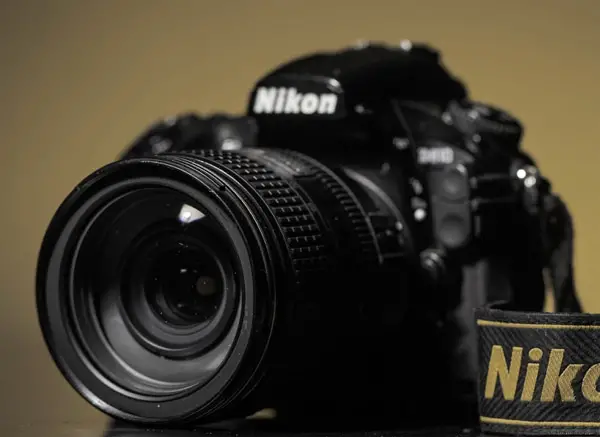
How to Check the Shutter Count of a Nikon Camera?

A Nikon camera

We will look at the various options to find the shutter count of a Nikon camera.

Using a Website for Nikon

In the case of Nikon cameras, the shutter count value is stored in the EXIF data of the image. But you cannot use any EXIF data viewer to see this shutter count value. This data is stored deep inside the EXIF file. To find this value, you can capture a new photo using the Nikon camera and upload it to myshuttercount.com website. This website will read the shutter count value from the uploaded image and display it.

There are a few other sites also that are capable of telling you the shutter count by uploading the images. They include  camerashuttercount.com and shuttercounter.com.

Software for Mac for Nikon

If you are a Mac user, you can use the built-in Live Preview software to find the shutter count of the Nikon camera. First, take a photo with your Nikon camera. Then, connect your memory card or the Nikon camera to your Mac so that you can see this new image. You can capture the image in JPEG or RAW format.

Right-click on this picture and select the “Open with” option. Choose the Live Preview app to open this image. Next, go to the top toolbar in the Preview app. Click on the Tools and select the “Show Inspector” option. You can also use the ”Cmd+I” shortcut. A new window will open, showing the EXIF information of the image. Next, you need to click on the Nikon tab. Here, you will be able to see the shutter count value. The main advantage of using this method is that you don’t have to install any new software to know the shutter value.

If you are not able to get the shutter count value for your Nikon camera with any of these methods, you can always check with the Nikon service center.

Software for Windows for Nikon

You can use the EOSMSG software on your Windows computer to find the shutter count value for the Nikon camera. You can download this free software from their website. This software supports most of the Nikon Mirrorless and DSLR camera bodies.

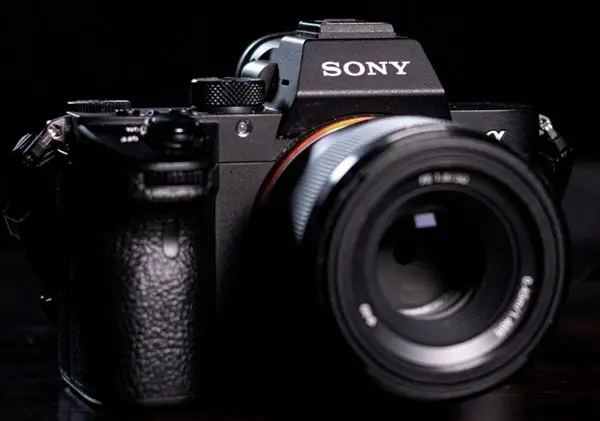
How to Check the Shutter Count of a Sony Camera?

A Sony camera

Using Website for Sony

If you are a Sony user looking to find your camera’s shutter count, you can use this website, shuttertool.com. You can upload the picture captured using your Sony camera to this website. The website will read the EXIF data of the image and display the camera’s shutter count. You can upload an unedited JPG or the RAW ARW file to this website to get the shutter activation value.

You can also upload the latest image to camerashuttercount.com to get this value. You can look at this site to know the different Sony cameras supported by this site.

Software for Windows for Sony

You can use the EOSMSG software on your Windows computer to find the shutter count value for the Sony camera.

Suppose you are still unable to find the shutter count for your Sony camera using any of the techniques. In that case, you can get the camera to the Sony service center and retrieve this information.

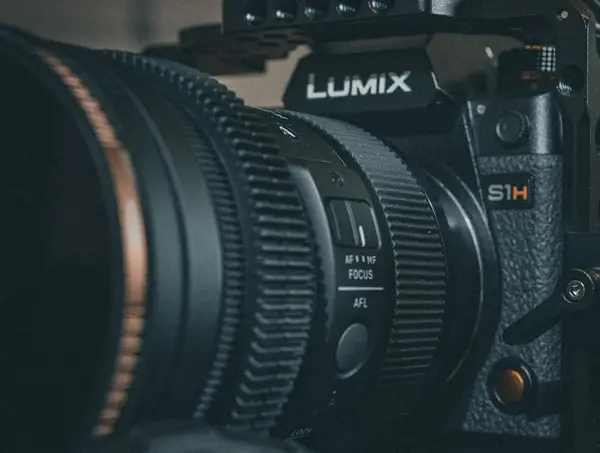
How to Check the Shutter Count of a Panasonic Camera?

A Panasonic camera

In the case of Panasonic cameras, you can get the shutter count value directly from the camera itself.

The procedure to check the shutter count of the Panasonic Lumix S series and G series cameras is given below. You can apply this procedure for S1H, S1R, S1, S5, G1, GH1, G2, GH2, GH3, GH4, GH5 and G9 cameras.

  • Fully charge the battery of the camera and switch off the camera.
  • Insert the memory card into the memory card slot of the camera.
  • Now, choose the single shot mode in the camera.
  • If there are no pictures in the memory card, you can capture a random image using the camera. If there are images on the memory card, you don’t have to capture any new image.
  • Press and hold the AF/AE Lock button and the Playback button.
  • Now, you will be able to view the temporary service mode in the Lumix camera.
  • Now, press the Menu/Set button along with the Playback button and press the left button of the click wheel.
  • You need to click the left button again to view the actual information.
  • You can easily toggle between the two menus by pressing the Display button.
  • Now, you can see a number corresponding to the parameter SHTCNT. It is the shutter count of your Panasonic Lumix camera.
  • You can note down this number and switch off the camera. If you power ON the camera again, it will start in the normal operating mode.

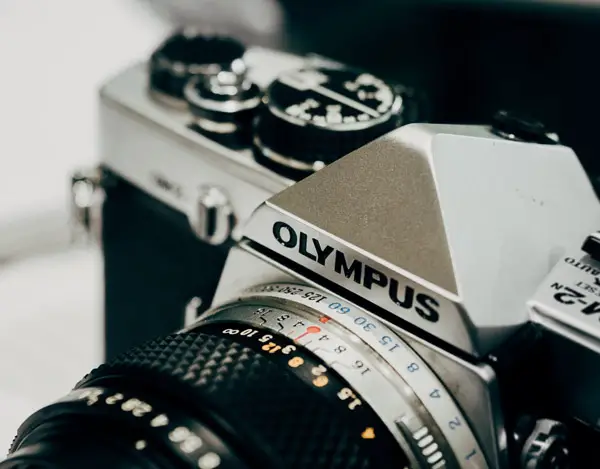
How to Check the Shutter Count of an Olympus Camera?

an Olympus camera

Olympus has developed a proprietary way to find the shutter count of Olympus cameras. In order to see the shutter count value, you need to press a series of buttons in the camera. Also, this series of buttons is different for different camera models. So, you need to refer to the instructions manual of the specific camera model to know the series of buttons that can show you the shutter count. You can also get these button details from the Olympus website.

The typical procedure to find the shutter count of an Olympus camera is given below. (This method works for most of the Olympus camera models).

  • Switch ON your Olympus camera.
  • Open the memory card compartment door.
  • Now, you need to hold the OK and play buttons simultaneously
  • Now comes the sequence. You need to press the following buttons in the following order – Up, Down, Left, Right
  • Once you are done with the above sequence, press the shutter trigger button.
  • Go and choose the Up on the dial.
  • Now, you can see the shutter count of the Olympus camera in the display.

If you are still not able to get the shutter actuation value, you need to take the camera to the Olympus authorized service center to get the value.

How to Check the Shutter Count of a Pentax Camera?

a Pentax camera

Pentax embeds the shutter activation information in the EXIF data of the image. There are many ways to find this value.

Using Website for Pentax

You can use the Pentax forum website to find the shutter count of your Pentax camera. You need to take a random picture with your Pentax camera. After capturing, upload the image in this link. Next, click on the “Check Camera Data” button. You will be able to see the shutter count number. You can use this method to find the shutter activation for most Pentax camera models.

You can also use camerashuttercount.com to get this value.

Software for Windows for Pentax

You can use the EOSMSG software on your Windows computer to find the shutter count value for the Pentax camera.

Conclusion

I hope this article was helpful in figuring out how to find your camera shutter count based on the brand and model of camera you have. It seems a bit complicated at first but once you figure out the particulars for your brand its a rather simple process.

Consider reading this article to find out why mirrorless cameras have a shutter.

Share:
Reading time: 10 min
Page 2 of 2«12

Advertisement

Negril Set to Fully Reopen by 15 December as Bartlett Hails Rapid Tourism Recovery and Investment

December 3, 2025

Waldorf Astoria Osaka Presents:  “A Legacy of Elegance” – A New York Holiday Celebration

Kempinski Hotels Welcomes the Most Wonderful Time of the Year

If you’re buying a real Christmas tree this year, consider B&Q – £1 of every real tree sale is going to Shelter to raise money for child homelessness

Next’s clever quilted duvet cover isn’t just bang on trend, it can also warm up your bed – I’ve never seen a duvet cover like this before

The ‘snowball’ decluttering method will clear your home in time for Christmas – the pros say it’s great if decluttering makes you feel overwhelmed

Wildlife Photography: Is the Art Already in Nature?

The Best Cyber Monday Deals for Photographers

Best Sydney Sightseeing Activities: By Day And By Night

December 2, 2025

A New Michelin Star for Sardinia – Capogiro Restaurant at 7pines Resort Gains Its First Star

Subscribe to Our Newsletter

Check your inbox or spam folder now to confirm your subscription.

Popular Posts

Negril Set to Fully Reopen by 15 December as Bartlett Hails Rapid Tourism Recovery and Investment

December 3, 2025
LUXURY APARTMENT IN DUBAI

LUXURY APARTMENT IN DUBAI

August 20, 2020
LUXURIOUS AND SPACIOUS VILLA IN DUBAI

LUXURIOUS AND SPACIOUS VILLA IN DUBAI

Advertisement

Pages

  • 360 Interactive Virtual Tour Sample
  • About the Photographer
  • Business Portrait Photography
  • Concert Photography
  • Event Photography
  • Fashion Photography
  • Food Photography
  • Landscape Photography
  • Portrait Photography
  • Product Photography
  • Real Estate Photography
  • Sport Photography
  • Still Photography
  • Street Photography
  • Travel Photography
  • Videography

Categories

  • Apartments
  • Food Photography
  • Latest Projects
  • Luxury Residences
  • News and Tips
  • Real Estate Photography
  • Villas

Before and After Version

  • STYLISH APARTMENT IN CITYWALK, DUBAI

  • ULTRA LUXURIOUS RESIDENCE IN DUBAI

  • Real Estate Photography in Dubai, UAE

    Luxurious 7 Bed Villa with Private Pool, Cinema, Bar and Lounges at Jumeirah Golf Estates

  • LUXURY VILLA IN PALM, DUBAI

© 2020 Copyright Louie Alma Photography. All rights reserved.